Texas diesel: a worksheet to compare stops and trip fuel cost
Download a bilingual worksheet comparing gallons, confirmed prices, discounts and detours. Includes illustrative arithmetic, not invented current pump prices.
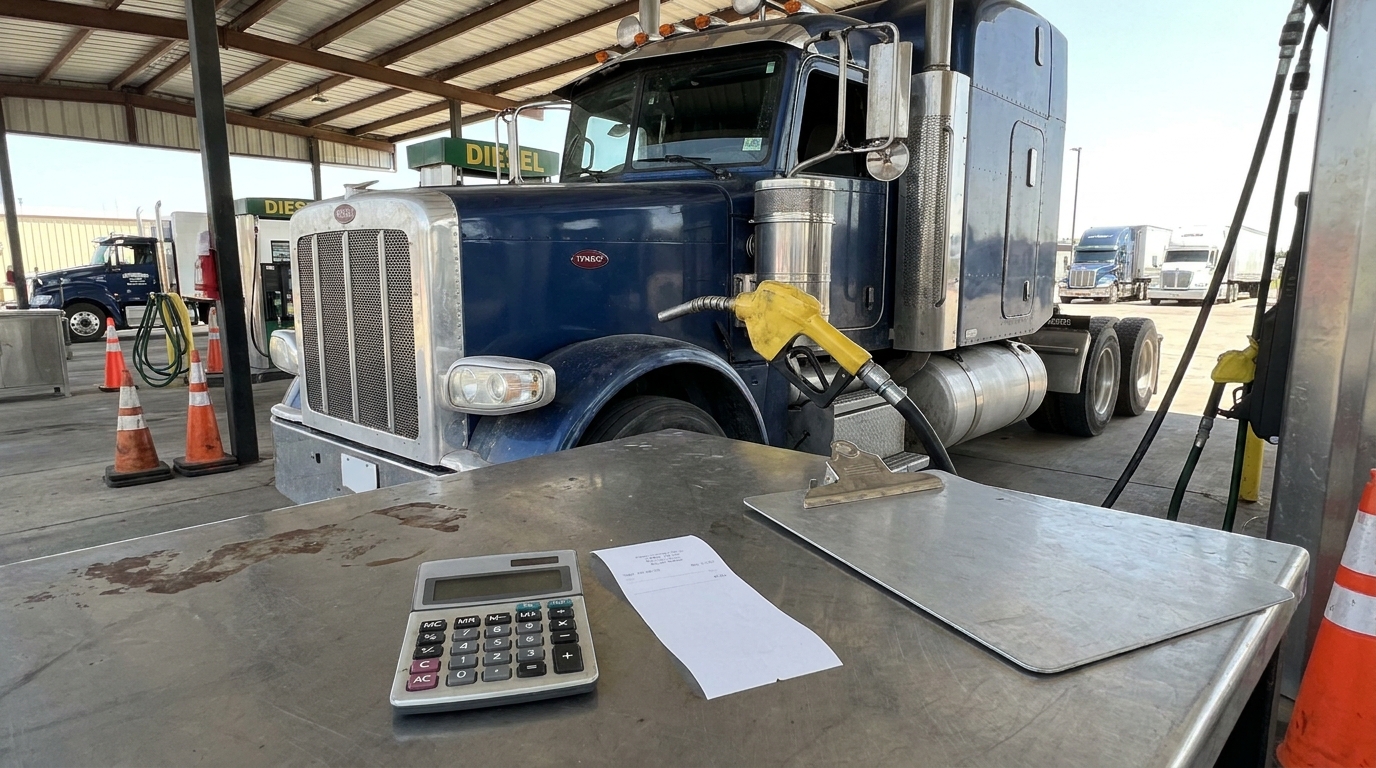
The cheapest advertised diesel price is not always the lowest-cost fuel stop for a Texas trip. A detour, a payment fee or a discount that does not apply to your account can change the comparison. Use the downloadable worksheet to put the same purchase quantity beside two realistic stops. The workbook is a planning tool with editable inputs and a separate illustrative example. It does not contain current pump prices or predict what any station will charge.
Separate the regional reference from your receipt EIA's weekly on-highway diesel survey provides a regional reference. Its methodology describes a cash, self-service retail price including taxes, collected for a particular weekly observation. The Gulf Coast series covers a region; it is not a price quote for a named Texas station, a fleet-card settlement or a guaranteed amount for your next fill. Use its date when discussing a trend.
Download Excel worksheet: EN, ES and illustrative example
For an actual purchase decision, obtain the station quote and the payment terms that apply to you. Record when the quote was checked, the product, whether the amount is for cash or credit, and whether a discount is confirmed. Compare like with like. A road sign, an app estimate and a settled receipt can all be different records.
What the workbook contains The English and Spanish sheets have the same structure. Enter two candidate stops, the gallons you plan to buy, the confirmed price per gallon, any confirmed discount per gallon, extra driving miles, your planning fuel economy and fixed transaction fees. The calculated columns show an effective price, purchase amount, estimated detour fuel, detour fuel cost and comparison total.
Blank input rows remain blank until the required values are supplied. The example sheet is labeled illustrative and uses invented arithmetic inputs, not a market quote. Keep it separate from your operating sheet. If an input is unknown, find the answer or mark the comparison incomplete; do not quietly enter zero just to make the formula produce a result.
Compare the same quantity first Start with the gallons you actually expect to purchase at each candidate. For a simple price comparison, use the same quantity at both stops. If one option involves a partial fill and another a full fill, comparing only those receipts will not describe the full trip. Explain the different purchase plan before deciding which option is cheaper.
The purchase calculation is straightforward: planned gallons multiplied by the effective price per gallon. Effective price in this workbook is the quoted price minus a confirmed per-gallon discount. It does not estimate a future rebate or change your carrier's tax accounting. Use the final settlement to reconcile what was actually charged after the trip.
Include the fuel needed for a detour Enter only the extra miles attributable to the candidate stop, not the full trip distance. The workbook estimates detour gallons as extra miles divided by your planning miles per gallon. It values that fuel at the same effective price used for the purchase comparison. That is a stated estimating assumption, not a claim that every extra mile has identical fuel consumption.
Use a realistic fuel-economy input for your truck and conditions. If the route includes a difficult approach, congestion or a long queue, record those issues separately rather than pretending that the mileage formula captures them. A spreadsheet can compare the inputs you supply; it cannot discover an inaccessible entrance or authorize an unsuitable route.
Read the example without mistaking it for a price forecast The example compares buying 100 gallons at an invented effective price of $4.00 with buying 100 at $3.90. Before fees and driving, the difference is $10. If the second option adds 10 miles at a planning 6 miles per gallon, that is about 1.67 extra gallons. At $3.90, the estimated detour fuel costs $6.50.
The fuel-only difference is therefore $3.50 before any other charges. Change the miles, quantity or payment terms and the answer changes. These figures illustrate arithmetic only. They are not today's Texas prices, an advertised discount or a promise of savings for a driver or fleet. The example is useful because it makes the assumptions visible.
Keep time and operating constraints alongside the total The comparison total includes purchase fuel, estimated detour fuel and the fixed fee you enter. It does not automatically price driver time, idling, parking, compliance constraints or the consequences of missing an appointment. Add a note about each material issue before choosing a stop. The lowest calculated total may still be an option the trip cannot use.
For an owner-operator, that note can be as simple as “entrance confirmed; payment card accepted; arrival window still workable.” For a dispatcher, it can identify which driver or company representative confirmed the quote. Keep personal card data and account credentials out of the workbook, especially if it will be emailed or shared with another company.
Reconcile the plan after fueling Save the actual gallons, price, discount, fees and receipt date. Compare them with your planning inputs and explain differences rather than changing the original estimate without a record. A repeated mismatch may mean an app quote was stale, the payment type was wrong or the discount was not applicable. Investigate the evidence before assigning a cause.
Keep the worksheet with the trip documents according to company policy. Use the existing weekly diesel article to understand the broader price movement and this workbook to compare a particular purchase. They serve different purposes, so neither needs to impersonate a continuously updated station-price feed.
Make one comparison you can verify Download a fresh copy, enter two usable stops and check the assumptions before committing the truck. If unusual tire wear or another mechanical condition is affecting operating efficiency, arrange a separate inspection with an appropriate provider such as The Truck Savers™. A fuel-price worksheet helps compare purchase choices; it does not diagnose the vehicle or establish the cause of fuel consumption.
Continue with these tools
Related guide: context and next step
Ask The Truck Savers™ about the mechanical service appropriate for your equipment. Confirm scope and appointment directly.
Official sources and verification
Practical guide checked November 6, 2026. AI-generated illustrative cover; it does not depict a specific branch or customer.