Trucker Path CB: Verify a Road Report Before Rerouting
Trucker Path adds CB-style audio. Use this checklist to verify a road report before changing a route or planned stop.
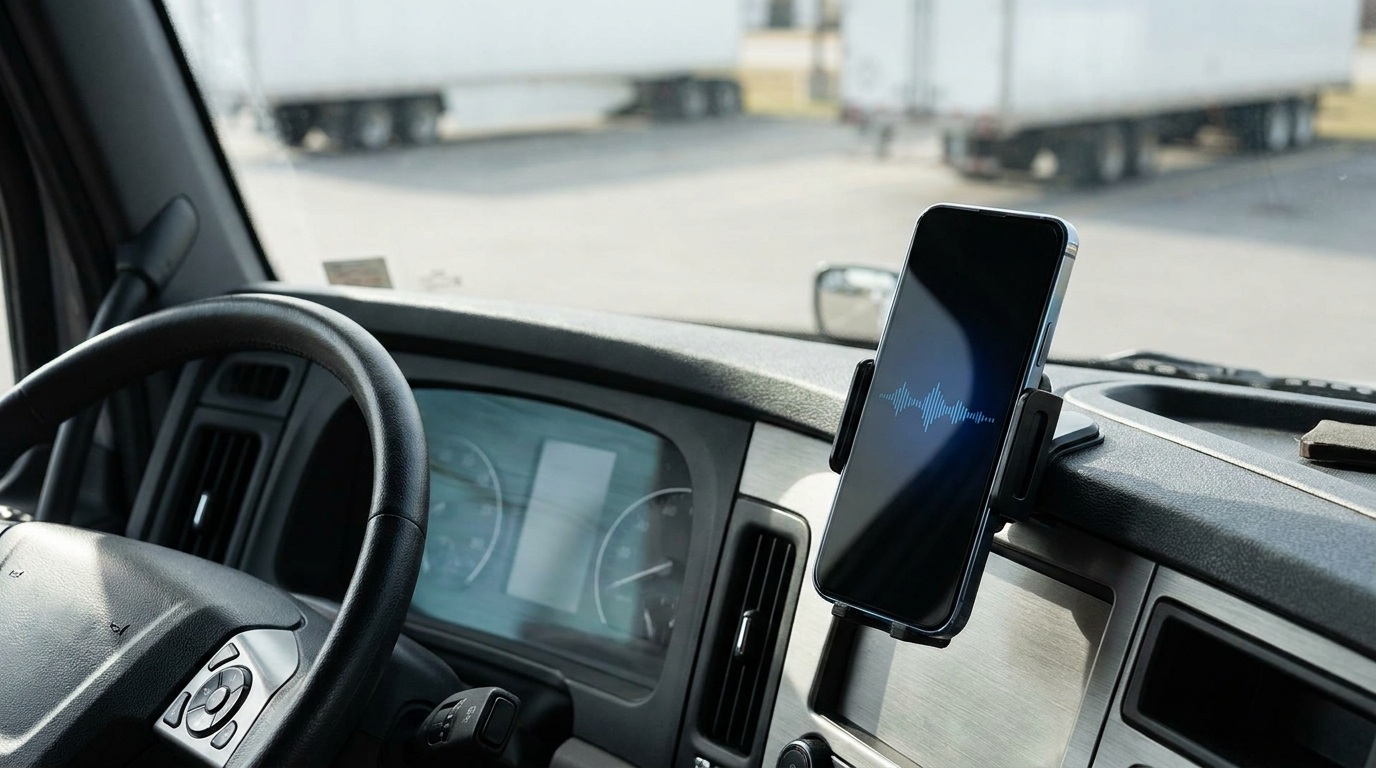
AI-generated editorial illustration; not a documentary photograph.
Trucker Path announced a free CB Radio feature on November 10. The app supports public audio messages and a Private Friend Network. Its release describes geographically organized groups near truck-service locations as coming soon. For dispatch planning, keep the distinction between available functions and announced additions clear.
Give each road report a useful address
Picture an owner-operator preparing to leave a rest area. Another driver mentions a long entrance queue at the next stop. That report can start a useful check: which entrance, which direction of travel and when was it observed? Without those details, the message may describe a different approach or an earlier situation. This is an illustrative scenario, rather than a report about a particular location today.
A short note can preserve the information needed for a follow-up. Write the location, observation time, direction and specific issue. Keep the original report separate from any conclusion you draw. The person hearing a message later should be able to identify the uncertainty and decide whom to contact. A confident voice alone does not establish that a report is current or applies to your route.
Build a small verification routine
Before changing a fuel, parking or delivery plan, identify the authority for the decision. A business can confirm its entrance and service availability; a receiving contact can clarify an appointment; an official road-information service can identify a posted restriction. Record what each source actually confirmed. This gives the dispatcher a way to follow up without presenting a community conversation as an instruction from the facility or an agency.
Keep useful reports in a compact trip note instead of trying to remember a long conversation. Include the question still unanswered and the next check. For example, a driver might report a queue without knowing whether a separate entrance serves trucks. That leaves an entrance question to verify. It does not establish that the business is closed, parking is unavailable or every vehicle faces the same delay.
Agree how your team will use audio messages
For a small fleet, start with the communication problem you actually need to solve. Is it finding another driver at a meeting point, sharing an observation from a completed stop, or coordinating a conversation before departure? Give the trial a narrow purpose. Introducing another channel without a clear purpose can scatter the same information across several places and make it harder to identify the current version.
Set up and review the feature while safely parked. Have the team agree when a message needs a direct acknowledgment and where a confirmed operational change will be recorded. Keep the written appointment and dispatch record accessible. A casual exchange can help people coordinate, but the business still needs a clear record of the arrangement it expects the driver to follow. Avoid testing an unfamiliar interface while driving.
Protect the information inside a useful message
A public conversation deserves a quick privacy check before sending. Ask whether a listener needs the customer name, shipment description, vehicle identifier or exact future stop to understand your observation. Usually the useful part is narrower: a location, the issue and when you saw it. Remove unnecessary business details and follow your carrier’s communication policy. A nickname does not make the contents of a message confidential.
Use an approved business channel for shipment documents, personal contact information and changes that need a durable record. Review who is included before sharing sensitive details. This is a general planning practice, not a claim about the app’s security features. The announcement does not establish the privacy requirements of your customer or carrier. Those obligations must be checked against the work you perform.
Measure a trial with your own operating notes
Choose a small trial and define what would make the information useful. Record how many reports contained a clear place and observation time, how many needed clarification, and how many led to a confirmed decision. Include cases where the original plan stayed the same. This can show whether the team is exchanging usable information without turning every message into a claim of money or time saved.
Keep the measurement method consistent. If you record a possible wait before a call and an actual wait afterward, label them separately. You cannot attribute the difference to a feature simply because both events occurred during the trial. Weather, appointment changes and other operating conditions may also have changed. Write down the observed result and the decision supported by the information, leaving unsupported savings claims out of the review.
A checklist for the next parked planning session
- Identify the communication task and the people involved.
- Check the functions available in your own app version.
- Attach a place, direction and time to a road observation.
- Verify consequential changes with the responsible contact.
- Keep sensitive shipment information in approved channels.
- Review the trial using recorded observations and confirmed outcomes.
Useful communication ends with a decision you can explain. Before the next trip, gather the route-service options you need, verify them directly and keep a fallback in the trip sheet. The Truck Savers News directory can help identify businesses to contact. Confirm current access and availability with the provider before relying on a plan. The practical objective is a better-informed departure, with the source and timing of each important detail still visible.
Original source: Trucker Path, release dated November 10, 2026.