Truck Wash Locator: Confirm the Stop Before Detouring
A truck wash listing starts the route check. Confirm opening status and the exact service before choosing a stop.
Before adding a truck wash to a working route, confirm that the location is operating and offers the service your assignment actually needs. A map result can help you find a candidate; it cannot finish that check. For an owner-operator or small fleet, the useful question is not simply which wash is nearest. It is which verified stop fits the truck, the job and the remaining trip.
Read the location status before the service icons
Blue Beacon's official locator separates state and city, interstate and additional-service filters. Its results also include locations identified as Coming Soon. On October 13, the McAllen entry still carried that status. That makes the listing a useful example of why appearing in the locator does not, by itself, establish that a facility is open. Recheck the current location record when planning an actual trip.
Do not turn a forthcoming location into a confirmed stop because a general page also describes operating hours. If the status, directions or contact information do not agree, leave the stop unconfirmed and obtain clarification through the provider's official channel. This guide does not supply a disputed address, promise an opening date or certify present service at any particular wash.
Choose the service before narrowing the search
The locator provides separate filters for such services as a washout-only bay, undercarriage rinse, hopper washout and engine wash. Use the option that corresponds to the actual task, then inspect the individual result. A location found through an exterior-wash search is not automatically the answer to a different service request. These are the provider's categories, not a guarantee that every service is available everywhere or at every arrival time.
Write the assignment in plain language before choosing a candidate. Are you arranging an exterior wash, a particular trailer service or a separate extra? Keep the customer's actual instructions with the request. A receipt requirement and a cleaning specification are different questions. This locator workflow helps choose a place to ask; it does not establish that a wash meets a customer's sanitation requirements.
Build a stop record dispatch can verify
TSN suggests a short planning record with the unit, requested service, candidate location, route segment and source checked. Add the date and time of the check. If a staff member confirms a detail, preserve exactly what was confirmed rather than expanding it into a broader promise. A statement about an open facility does not also confirm a queue length, price or completion time.
Consider a hypothetical driver whose next assignment needs a trailer service rather than an exterior wash. Dispatch finds a familiar brand near the route, but the result has an unresolved opening status. The correct next step is to verify that candidate or identify another one. Adding the address to the trip sheet without that check would merely transfer an unanswered question to the driver.
Keep the detour separate from the service decision
Once the location and task are confirmed, review the actual access route using the fleet's normal routing process. A locator's interstate reference helps identify an area; it is not a review of every turn for your equipment. Obtain current directions, confirm any relevant access questions and retain an alternate candidate. Do not invent a travel-time allowance from the distance shown on a general map.
Review the trip's available time with the responsible dispatcher and applicable operating rules. Ask the provider about present service conditions when that information affects the plan. Neither this article nor a saved location card establishes how long a particular visit will take. If a delay changes the remaining assignment, communicate the change instead of treating the original plan as permanently confirmed.
A useful handoff preserves unanswered questions
Give the driver the requested service, verified location reference and any unresolved point before departure. Keep a location's current status separate from a previous driver's experience. Someone else's visit last month is background, not proof of today's opening or bay availability. When a new answer changes the plan, update the shared trip record so the office and driver use the same information.
- Define the exact wash or trailer service requested.
- Use the appropriate official locator filters.
- Read the individual location's opening status.
- Resolve conflicting details before assigning the stop.
- Confirm route access and preserve another candidate.
- Record when each operational detail was checked.
Before sending the final route, ask a colleague to explain why this stop was selected. A useful answer names the task, the operating location and the information still needing confirmation. That small review helps prevent a familiar brand name or a map pin from becoming an unsupported dispatch instruction. The goal is a better verified stop, not an extra detour justified only by a search result.
Continue with practical route-planning coverage at Truck Saver Finder.
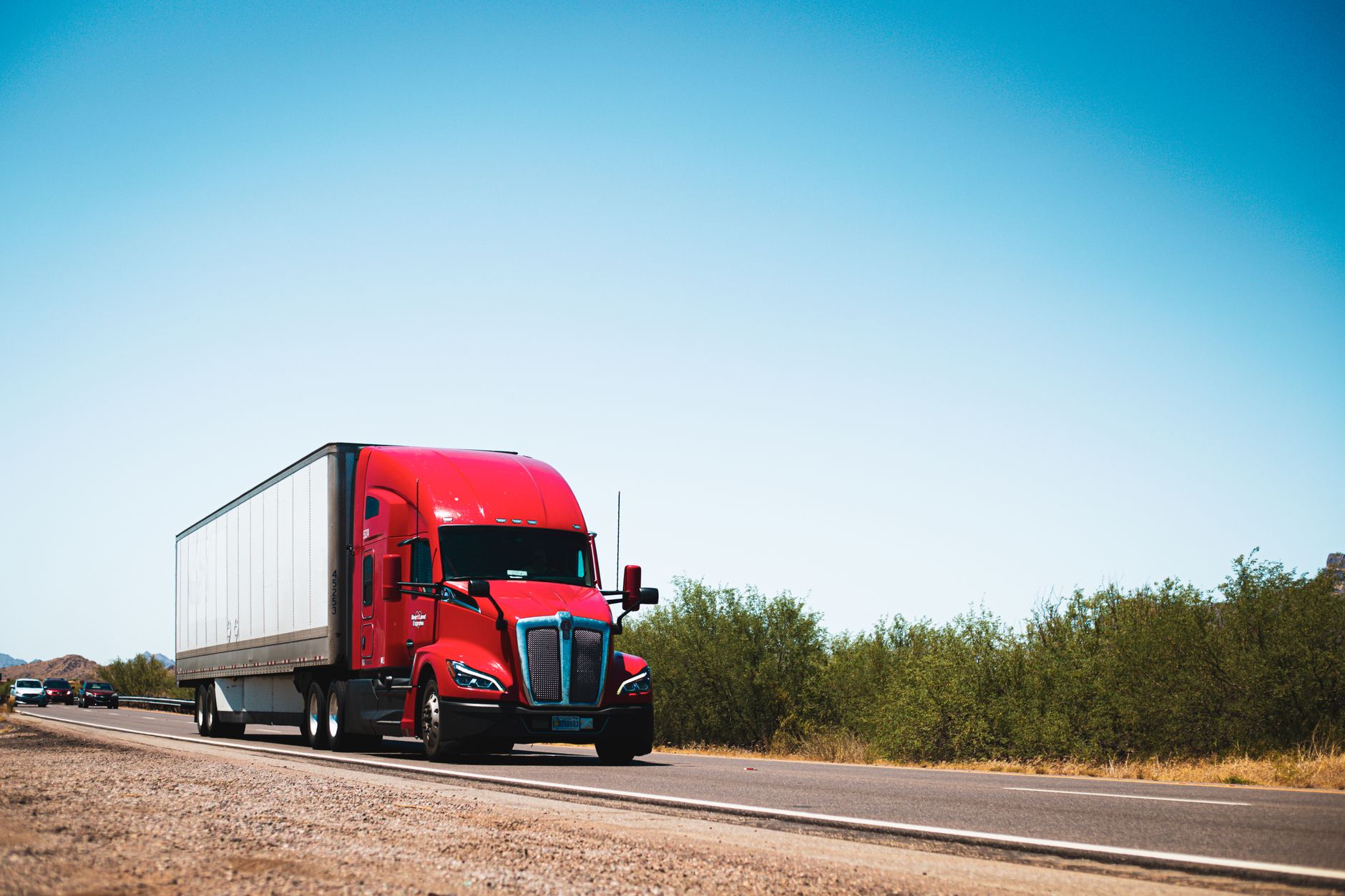
Illustrative route photograph; not a Blue Beacon facility or a confirmed wash stop. Tom Jackson / Pexels; Pexels License.
Original source: Blue Beacon — official location and service locator. Reviewed October 13, 2026.