Toyota Pickups: Check the Six-Month onX Trial
Eligible Toyota owners can check six months of onX Elite. Confirm model year, subscription history and activation terms first.
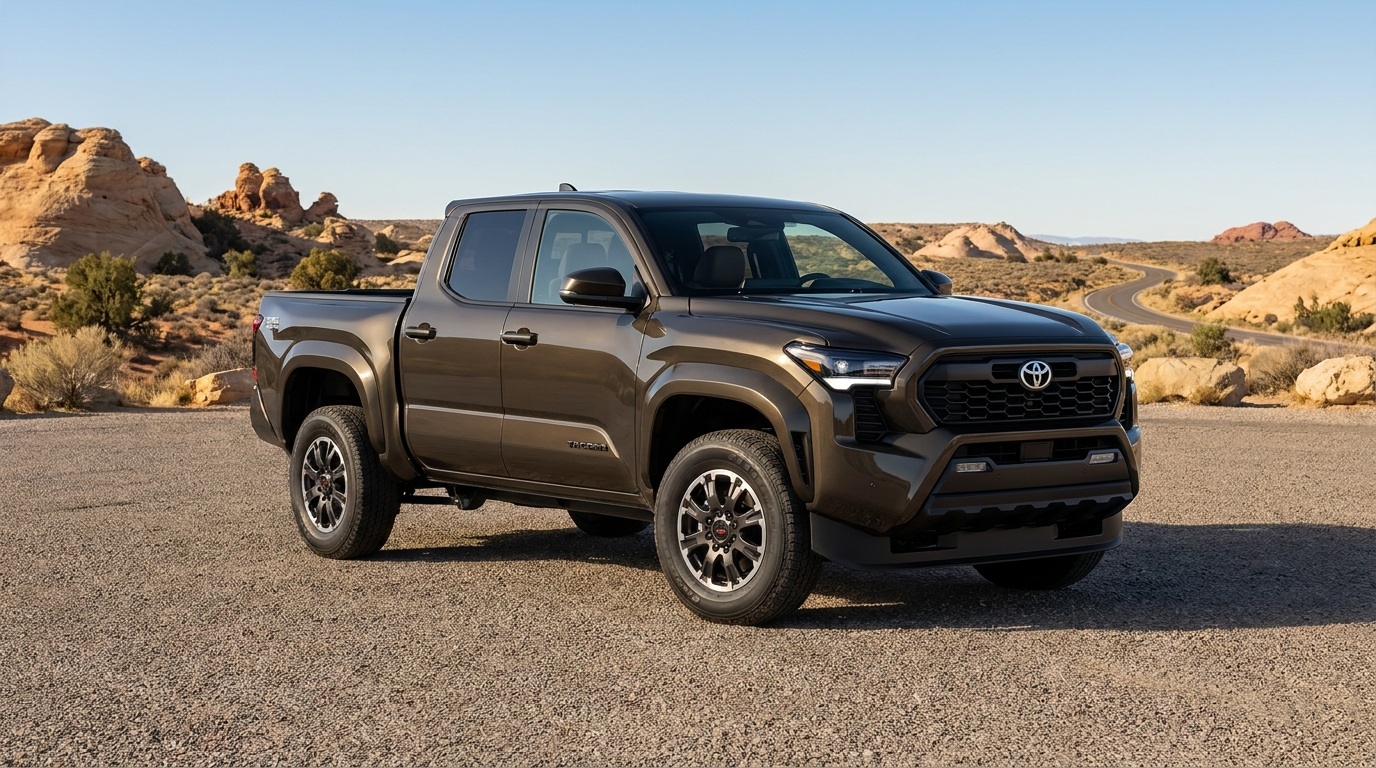
AI-generated editorial illustration; not a documentary photograph.
Eligible 2026–2027 Toyota Tacoma and Tundra owners can check a six-month onX Elite trial before paying for a new mapping subscription. The current Toyota offer includes five outdoor mapping products, with subscription levels and terms differing by product. This is an ownership benefit to verify, not a new capability added to every pickup. For a driver using one truck for work and weekends, the useful question is which product is relevant and whether the account qualifies for it.
Start with the offer’s eligibility check
The terms reviewed on November 13 cover eligible U.S. resident owners of specified 2026–2027 Toyota and Lexus vehicles, including Tacoma and Tundra. A customer who held an active Elite subscription to the same onX product during the previous twelve months is excluded for that product. The trial lasts six months from successful registration and activation. It does not automatically begin on the truck’s purchase date. Confirm the result for your own account through the offer’s enrollment process.
Keep the vehicle and account information ready without posting it publicly. The offer uses a VIN eligibility check; its terms describe vehicle and ownership information shared for administration and related purposes. Read those disclosures before submitting the form. A dealership conversation, a social post or another owner’s successful signup does not establish your eligibility. If the check raises a question, use the support channel linked from the official offer instead of repeatedly creating accounts with different details.
Choose a product for an actual trip
The five products serve different outdoor interests: Offroad, Hunt, Backcountry, Fish and TroutRoutes. The linked terms specify Elite for Offroad, Hunt and Backcountry, a regional or current offering for Fish, and PRO for TroutRoutes. Begin with what you plan to do. For a Tacoma or Tundra owner considering a recreational trail, an outdoor map can help organize the research. Someone planning a fishing trip may need a different product. Activating an offer because it is available and deciding that it is useful are separate decisions; write down which planning question you expect the selected app to help answer.
Build a simple comparison sheet before evaluating features. Record the product, intended activity, compatible device you will use and the information you still need from the destination. Add whether the account already has a subscription to that same product. This keeps a trial in one app from being mistaken for a replacement for another service. It also gives a household with several devices a clear reference for which account actually received the benefit and who will evaluate it.
Keep the map separate from vehicle limits
A route appearing on a recreational map does not establish that the actual pickup, trailer or load is suitable for it. Check the vehicle’s applicable documentation and the land manager’s current access rules separately. A map label does not raise payload, towing or clearance limits. If the trip involves a trailer, keep that exact configuration in the planning question. This article does not recommend a trail, certify a road for a commercial vehicle or supply technical instructions for driving it.
For example, imagine an owner comparing two weekend destinations. The useful worksheet lists the intended destination, the source of current access information and the questions still open about the vehicle configuration. The app is one research tool in that process. Do not replace an unanswered access question with confidence based on a displayed route. Contact the responsible destination or land manager when a current restriction needs clarification, and retain the response with the trip plan rather than relying on an undated screenshot.
Use the trial as a deliberate evaluation
After successful activation, save the confirmation and the actual end date shown for the account. Set a reminder early enough to review the product before that date. Note which functions you used on the device you own and whether they answered the planning questions you wrote down. Test relevant preparations before departure, following the product’s current instructions. A trial is a chance to understand a service in your own circumstances, not evidence that every feature works without connectivity in every location.
Read the enrollment and subscription screens for any payment, renewal or cancellation terms that apply to the account. Do not copy a price from another promotion or assume a benefit lasts for the truck’s entire ownership. This article does not quote a renewal rate or promise a particular billing arrangement. Keep the actual confirmation so a future decision can be based on what was accepted, rather than a remembered headline saying that the truck came with “free maps.”
A short checklist before you enroll
- Match the vehicle’s model year and ownership to the official eligibility process.
- Check recent Elite subscription history for the specific product.
- Read the VIN verification and data disclosures.
- Choose an app for an identified outdoor planning need.
- Save the activation confirmation and the account’s end date.
- Review payment and renewal terms before accepting them.
The practical value depends on whether the product helps with trips you actually plan. Keep the evaluation small: one account, one identified use and a dated review. Do not treat an app offer as a reason to change vehicles or as proof of truck capability. To check the current offer and its linked terms, use the official Toyota/onX eligibility page cited below before enrolling. Its current check, rather than an imported list of vehicle owners, determines the next step.
Original source: onX: Toyota offer and linked eligibility terms, checked November 13, 2026.