Fleetworthy RADAR: Check the Record Behind a Toll Answer
Fleetworthy introduces RADAR for eligible toll customers. Check current functions, source records and unresolved items before expanding a trial.
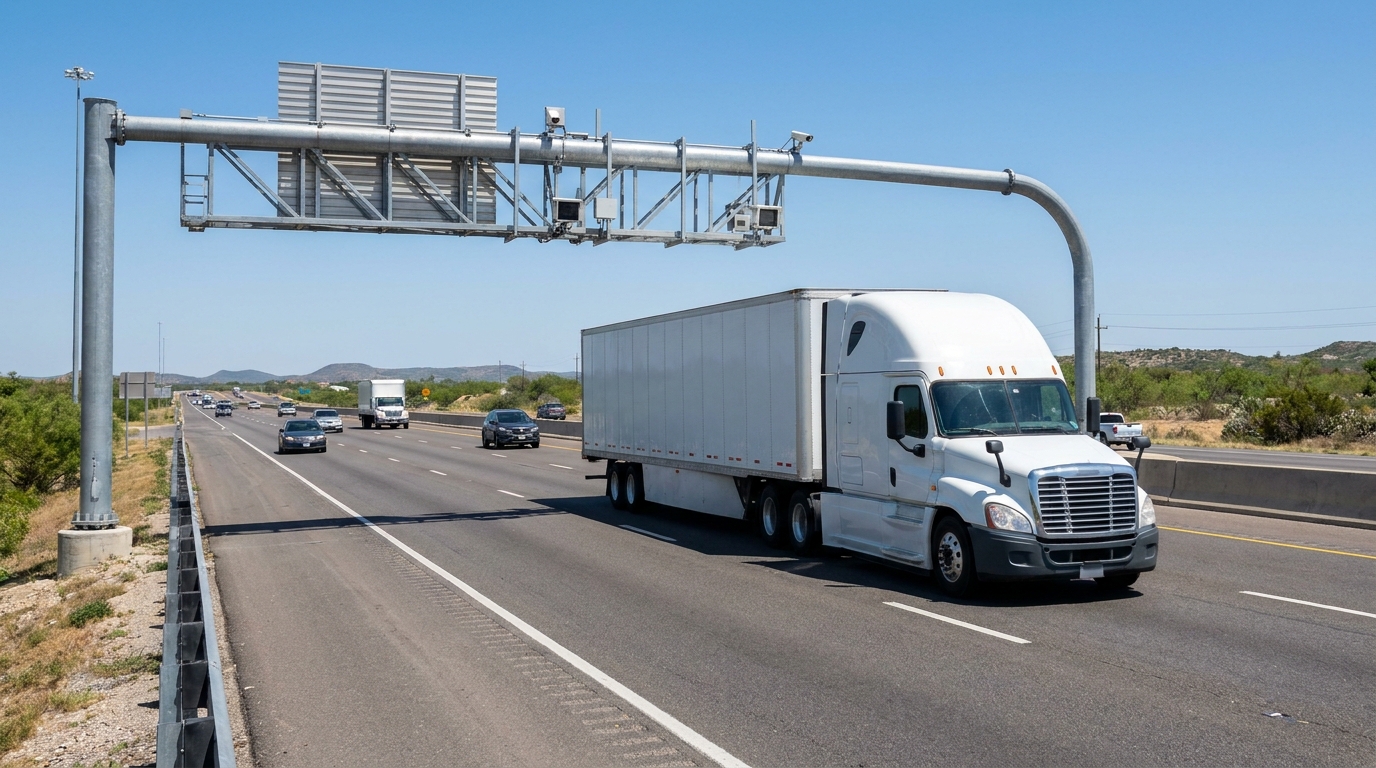
AI-generated editorial illustration; not a documentary image of the announcement or an identified vehicle.
What Fleetworthy announced
Fleetworthy announced RADAR™ on November 5, 2026, with early access for eligible Fleetworthy Toll Management customers. The company describes an embedded AI layer that answers questions using customers’ toll data and highlights items for review. It says managers retain control of their action plans. Broader platform expansion and more automation are described as future developments. This is a product announcement, not an independent test of accuracy, coverage or savings. For a fleet, the useful first question is which invoice review task the available version can actually support.
Start with a task you can check
An appropriate evaluation begins with a narrow question whose answer can be checked against records you already hold. For example, select a completed billing period and ask the provider to demonstrate how its tool explains an individual toll charge. This is a suggested test, not a claim that every account has a particular function enabled. Ask which underlying record supports the response and whether you can open that record. A fluent explanation without a traceable transaction is not enough to resolve a billing question.
Keep the account history attached
Before reviewing a disputed-looking charge, identify the vehicle, the billing period and the account identifiers relevant to the trip. Also note any vehicle or transponder reassignment that your own records show. The point is to give the reviewer a consistent timeline rather than guessing from the current equipment list. Do not enter account credentials or private driver information into a demonstration environment without an approved business purpose and the appropriate access. Product evaluation does not require turning a billing sample into an unrestricted personnel file.
A flag is a question, not a credit
An item highlighted by software should enter a review queue with its original amount and status preserved. It should not immediately become a confirmed billing error, an expected refund or a savings figure. First establish what the charge represents and whether the trip record agrees. If further explanation is needed, follow the relevant account support process and retain the response. Only record a credit when the underlying account evidence establishes that it was granted. A proposed correction and a completed adjustment are different outcomes.
Design a small comparison before expanding
Choose a defined sample of invoices and have a reviewer document the current manual process. Then evaluate the available product against the same questions and records. Keep track of items correctly explained, items requiring another document, unresolved questions and any explanation that does not match the source. This is an editorial evaluation framework, not a reported performance result for RADAR™. A small sample can reveal what to ask next, but it cannot establish that the same result will hold across every route, vehicle or billing authority.
Ask about control and audit history
A fleet considering any tool that may eventually support automated action should ask who can approve a change, how an action is logged, and how a reviewer can see its outcome. Distinguish functions available in the account now from capabilities described on a roadmap. Request a demonstration of access controls and the relevant records rather than filling gaps with assumptions. The announcement’s description of future automation does not establish that your own account currently permits automatic disputes, account changes or any other specific transaction.
Measure the outcome you actually observed
If the evaluation tracks time, define the start and end of the task consistently. Separate time spent locating a record from time spent waiting for an outside response. If it tracks money, distinguish an amount flagged for review from a confirmed account credit and from the broader cost of operating the truck. Preserve the sample size and observation period with the result. Do not multiply an isolated demonstration by the entire fleet and call the product’s savings proven. An unresolved item should remain unresolved in the summary.
Keep dispatch and invoice decisions connected
A toll review may lead a manager to ask why a truck used a particular route. Confirm the trip requirements before treating a different road as an available alternative. Appointment commitments, equipment and the actual movement belong in that discussion. This article does not recommend a route or establish access for any vehicle. The purpose of joining the records is to avoid judging an invoice without understanding the service that produced it. Software output should give the reviewer a clearer question to investigate, not a reason to erase the trip’s context.
What to request before a rollout decision
Ask for the account eligibility criteria, a demonstration using an approved sample, the source record behind each explanation, and a clear list of functions available now. Document what remains unanswered and who will confirm it. That package gives the fleet a reviewable basis for deciding whether a wider trial is worthwhile. Consult Fleetworthy’s original announcement for the release scope and its distinction between current early access and planned expansion. Neither the announcement nor this evaluation checklist establishes a purchase recommendation, a verified return or a guaranteed reduction in toll expense.
Original source: Read the original release and verify its stated scope.