Chevrolet Trailer Alert: Check the Lane Yourself
The Chevrolet trailer alert does not steer or brake. An unlit mirror warning does not confirm a clear lane.
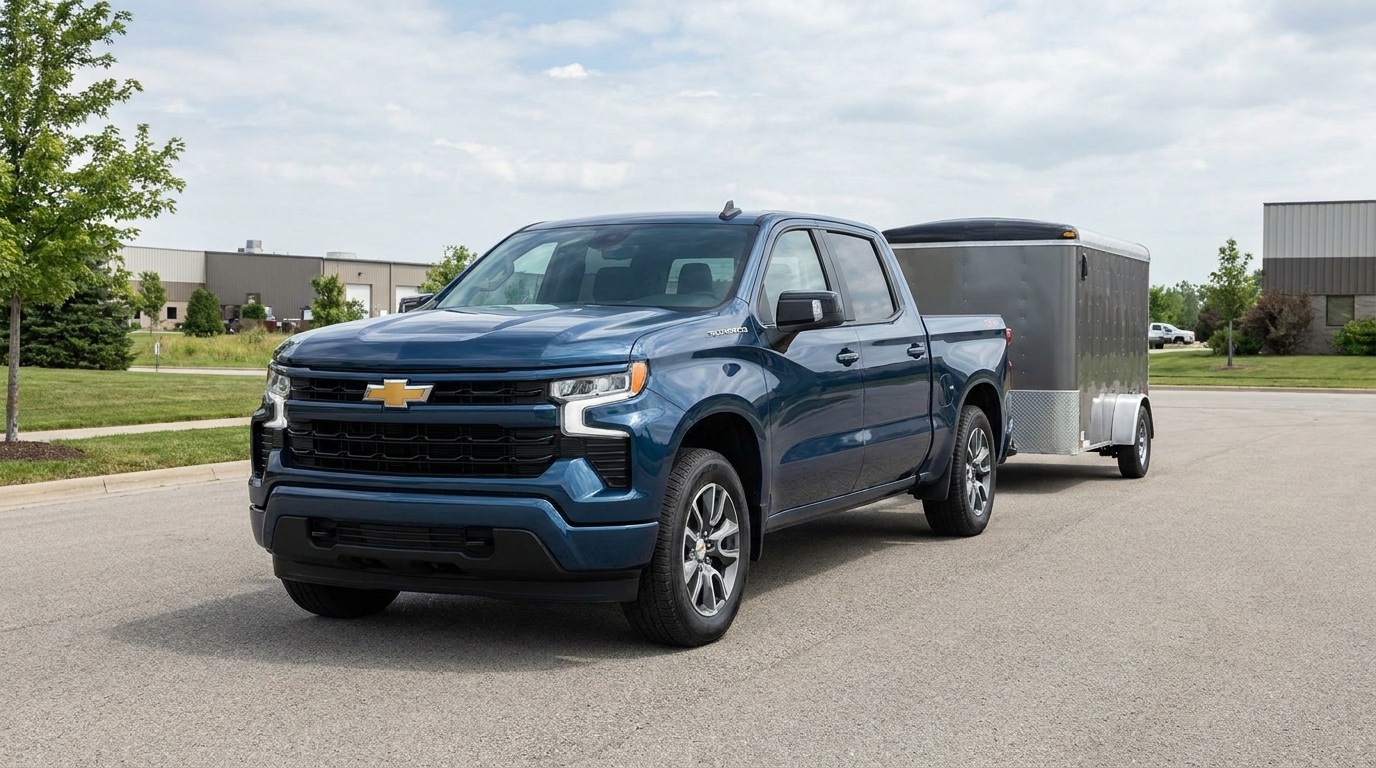
AI-generated editorial illustration; not a documentary photograph.
An unlit warning symbol in a mirror is not permission to move a pickup and trailer into the next lane. Chevrolet makes that distinction in its support instructions for Trailer Side Blind Zone Alert. For an equipped vehicle, the feature provides a visual warning about detected traffic; the driver still has to evaluate the maneuver. Understanding the name of the feature matters before treating a dashboard option as a guarantee.
This is a guide to reading Chevrolet's existing support information, not an announcement that every Silverado has the same equipment. Availability, supported trailer length and operating instructions must be checked for the actual vehicle. A picture, trim name or another owner's experience cannot establish the configuration of the pickup you are driving.
Start with the exact feature
Chevrolet describes an amber mirror indication when the system detects a moving vehicle in the monitored side zone, with a flashing indication when the corresponding turn signal is activated. It extends monitoring for a trailer, but does not apply the brakes or steer. The support page also says trailer-length support varies by vehicle and that a trailer profile can improve detection.
Those distinctions are more useful than the broad phrase blind-spot technology. A buyer comparing two pickups should identify the actual feature on each vehicle instead of treating similar names as identical functions. A driver taking over a different truck should make the same check. The point is to establish what equipment is present before deciding which instructions apply.
A profile is information about this trailer
Chevrolet's support material discusses entering trailer length in the Trailering App. Use the instructions and permitted configuration for the vehicle in question. Do not borrow a dimension from a different trailer because the two look similar. If a setting or measurement is unclear, consult the owner's manual and the appropriate support channel rather than inventing a value.
Consider a hypothetical work pickup that tows different trailers during a week. A profile named after yesterday's equipment may look familiar to the driver taking over the keys. That familiar name is not confirmation that the stored information describes today's combination. A handoff note can record which trailer is attached, which profile was checked and which question still needs an answer. This is an editorial communication example, not an additional Chevrolet setup procedure.
Do not turn an absent warning into a conclusion
The manufacturer says drivers must still check their mirrors, look over their shoulder and signal before changing lanes. An icon that does not illuminate is not an independent inspection of the entire road environment. Keep the driving decision with the driver and follow the vehicle's actual instructions. Do not use an empty mirror symbol as a substitute for evaluating the space needed by the complete combination.
A useful way to explain the feature during a vehicle handoff is to separate three questions: what the system is designed to indicate, what the driver must still do and what conditions limit the feature. That conversation is more specific than simply saying the truck has assistance. It also avoids promising an automatic intervention that this particular feature does not provide.
Check condition and limits without guessing a repair
Chevrolet identifies poor weather, visibility and obstructed sensor areas as factors that can affect performance. It also describes indications caused by some stationary roadside objects. Follow the manufacturer's care and operating information. An unexpected light is not enough for TSN to diagnose a failed sensor, an alignment problem or a required replacement part remotely.
If you need support, record what happened before trying to explain why. Identify the vehicle, attached trailer, selected profile and displayed message. Describe whether the observation was repeatable and the conditions in which it appeared. Keep the distinction between an observation and a diagnosis. Accurate information lets the qualified support provider ask the next question without starting from an assumption.
Before using a different pickup or trailer
- Confirm that the vehicle actually has the feature described in its manual.
- Identify the attached trailer and verify the applicable profile information.
- Review the feature's indication and its limits with the person taking over.
- Check the manufacturer's instructions for operation and sensor-area care.
- Keep unresolved warnings or setup questions for qualified review.
- Continue the required visual checks and signaling for each maneuver.
This list organizes the reading and handoff process; it does not replace Chevrolet's manual or provide a new driving procedure. Do not test detection by deliberately placing another vehicle alongside the trailer. Questions about equipment or a warning should be resolved through the vehicle's instructions and the responsible service provider.
Keep assistance separate from mechanical condition
A trailer alert cannot certify tires, steering, suspension, load security or the condition of the complete combination. Likewise, mechanical concerns should not be assigned to an electronic feature without an inspection. For questions about steering, suspension or alignment, The Truck Savers™ service and inspection information provides a separate route to discuss the vehicle. The useful habit is consistent: identify the actual equipment, verify the relevant instructions and leave unsupported conclusions out of the decision.
Original source: Chevrolet Vehicle Support: Trailer Side Blind Zone Alert.