Cascadia MirrorCam: Check the Trailer-End Reference
Cascadia MirrorCam recalls a trailer-end setting. Confirm the reference for the current trailer before departure.
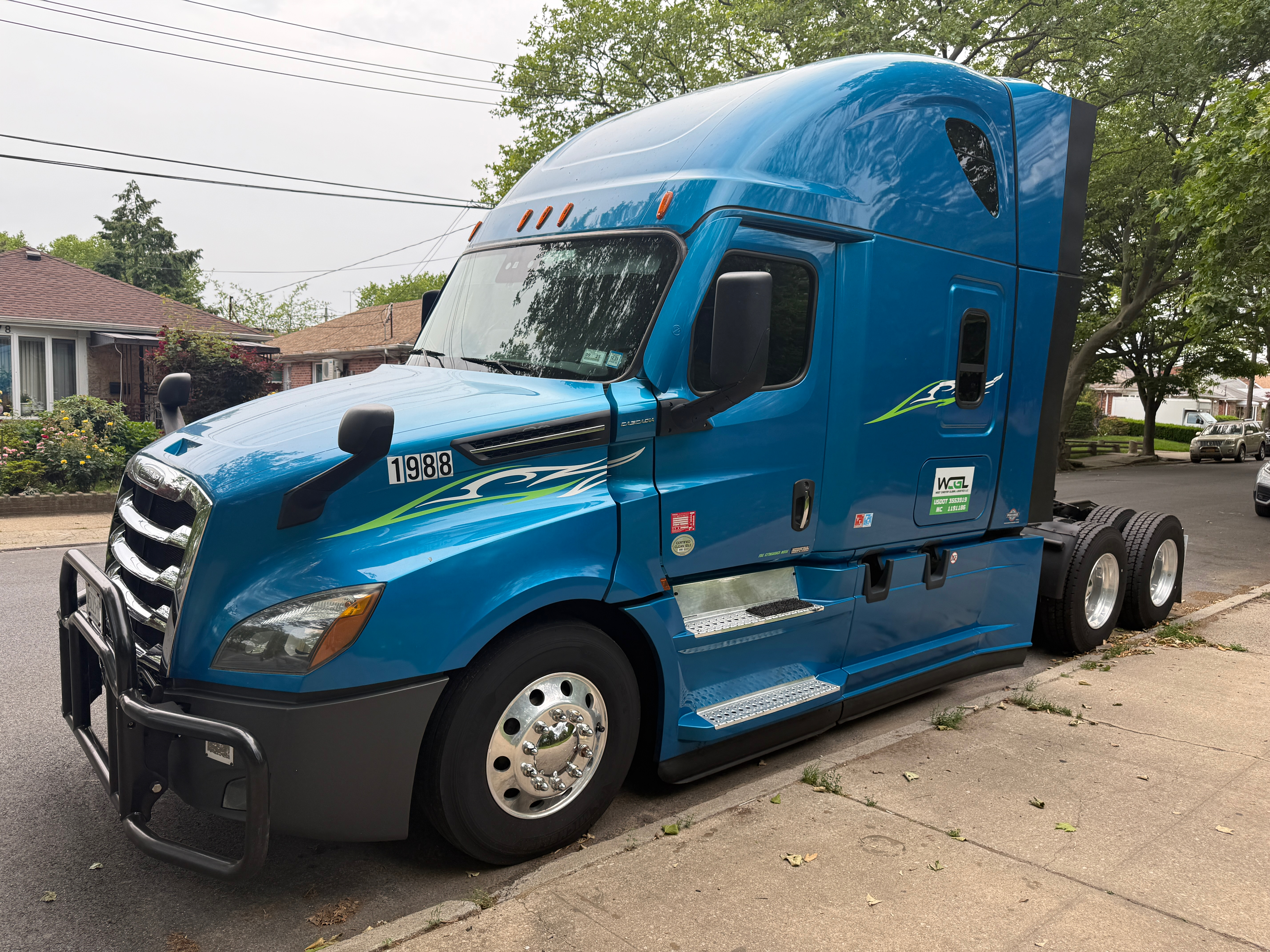
A Cascadia driver taking over a tractor with MirrorCam needs more than a clear picture on the displays. The useful question is whether the visible reference belongs to the trailer now attached to that tractor. Before departure, make the camera-system check part of the handoff for the exact equipment assigned to the trip.
The check that belongs to each key cycle
The fifth-generation Cascadia driver’s manual says to confirm or adjust the End of Trailer Line each key cycle. The system initially recalls the previous setting. Its inspection guidance also calls for checking the lenses and displays, keeping display brightness sensors unobstructed, and avoiding camera arms as handholds. These instructions apply to the documented system, rather than every camera-equipped tractor.
That distinction matters when equipment changes between shifts. A remembered setting is a starting point to verify; it is not a record proving that the attached trailer was checked. A handoff note saying “camera works” answers a different question from one identifying the trailer and confirming that its reference was reviewed for this departure.
Know which image you are reading
Freightliner describes optional MirrorCam equipment on its fifth-generation Cascadia with rearward cameras, standard and wide-angle views, a passenger-side look-down camera and three cab monitors. It also describes automatic trailer-following views and colored distance references tied to the trailer-end setting. A driver therefore needs familiarity with both the views and their reference, rather than treating every displayed line as independent of setup.
This guide does not establish that a particular tractor has that option. Start with the equipment record and the manual supplied for the vehicle. An exterior photograph of an older Cascadia cannot settle the question. Neither can a fleet nickname or a general description of “digital mirrors.” If the assigned unit has another configuration, use that configuration’s documentation.
Make the handoff specific enough to use
A practical fleet note can identify the tractor, attached trailer, relevant manual section, date and person completing the check. Keep those identifiers together. If dispatch changes the trailer after the note was prepared, the earlier note still documents the earlier combination; it should not silently become confirmation for the replacement.
For a driver receiving an unfamiliar unit, allow time to locate the controls and read the documented setup procedure while parked. A short briefing should identify where the procedure is found, rather than replace it with an improvised sequence remembered from another vehicle. Training material is most useful when it matches the cab the driver will actually use.
Describe missing information precisely. “Trailer identifier not confirmed” or “correct manual not available” gives the next person a concrete task. “Everything looks fine” can hide those gaps. This is an editorial suggestion for clearer records, not an added inspection requirement or a claim that a written note makes the equipment ready for operation.
Separate a routine check from a service question
Keep inspection and maintenance decisions distinct. A driver’s observation can record what is visible and which documented step could not be completed. It should not become an unsupported diagnosis of a camera, sensor or display. When the system cannot be checked as instructed, refer the matter through the fleet’s appropriate support and the vehicle documentation before treating the check as complete.
Likewise, do not turn a fleet reminder into a universal clearance rule. The reference shown on a display is part of a particular system and setup. This article supplies no passing distance, retrofit approval, substitute equipment recommendation or workaround for an unclear image. Those questions require the applicable documentation and qualified support.
A focused departure reminder
- Identify the tractor and trailer assigned now.
- Confirm the installed camera-system configuration.
- Locate the matching manual’s inspection and setup sections.
- Review the trailer-end reference for the current key cycle.
- Record unresolved observations without guessing a cause.
- Use the fleet’s documented support process where clarification is needed.
The value of this reminder is its timing: review the reference before using it on the trip. A checklist copied from yesterday’s equipment is useful only after its scope has been checked. Keep the vehicle identity, the current trailer and the applicable manufacturer instruction together in the departure handoff.
More operator guides and trucking coverage at Truck Savers News.
Illustrative archive photo: earlier-generation Cascadia, Oleg Yunakov / Wikimedia Commons, June 2025, unmodified. It does not show the fifth-generation MirrorCam configuration. Wikimedia Commons · CC BY-SA 4.0.

Original sources
Daimler Truck North America: fifth-generation Cascadia driver’s manual, camera-system inspection; Freightliner: MirrorCam.